GML2#posta
Gmail — sign in with Google to send
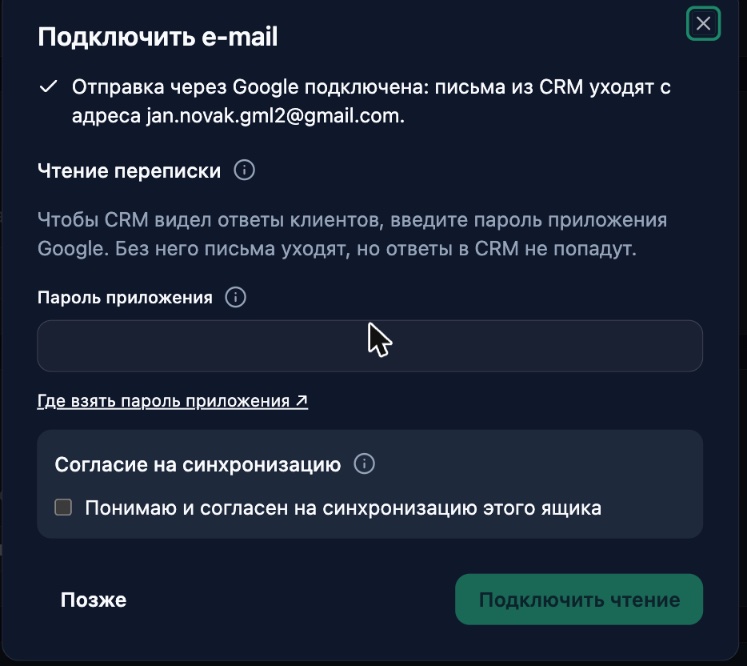
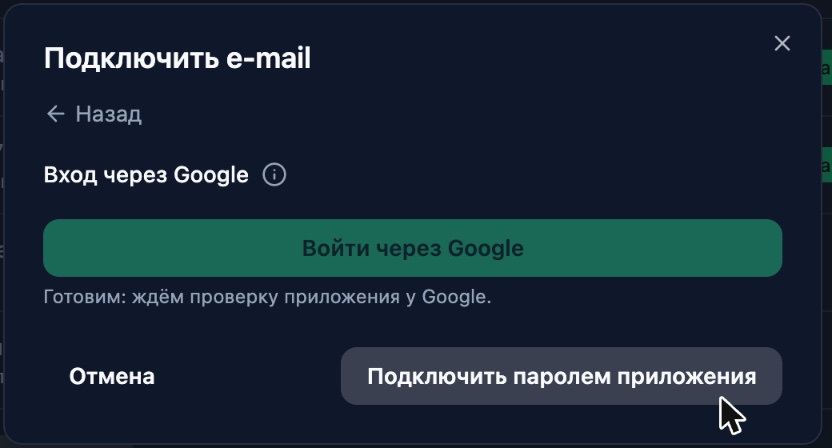
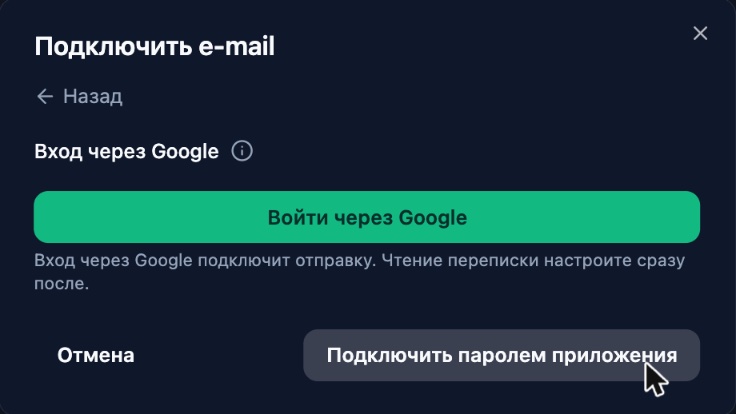
You can now connect Gmail by signing in with Google: the "Sign in with Google" button in the "Connect e-mail" window is no longer greyed out. Google gives us sending from your address only — email from the CRM goes out from you, and no app password is needed for sending.
After you return from Google, the window opens straight on the "Reading the conversation" step. Google only lets apps that pass its paid security audit read mail through a Google sign-in, so the CRM fetches client replies over IMAP with an app password. You can choose "Later": email keeps going out, and you connect reading in the mailbox card with a password or forwarding.
The window now explains step by step where to get an app password: the button opens the app passwords page of the right Google account (even if you have several in your browser), next to it is a link to turn on 2-Step Verification, and an honest note: you enter the password once and need a new one only if you change your Google password.
In the "Channels" list, the mailbox row now says in words how it works: "sends via Google · reads over IMAP" or "does not read replies". If Google revokes access, the "Verify" button says so in words and suggests connecting the mailbox again.